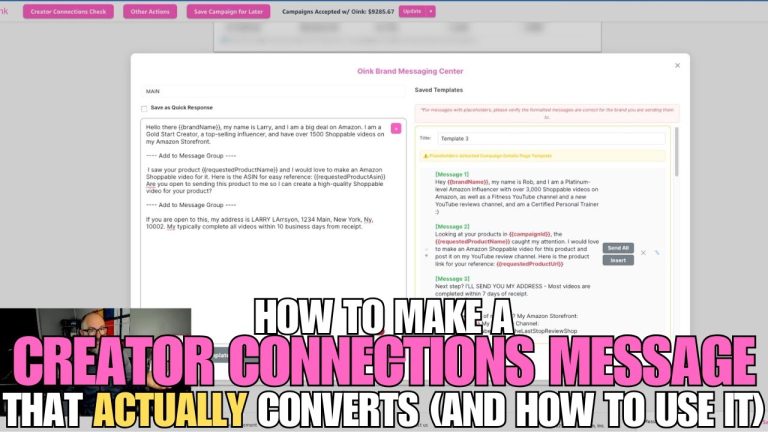
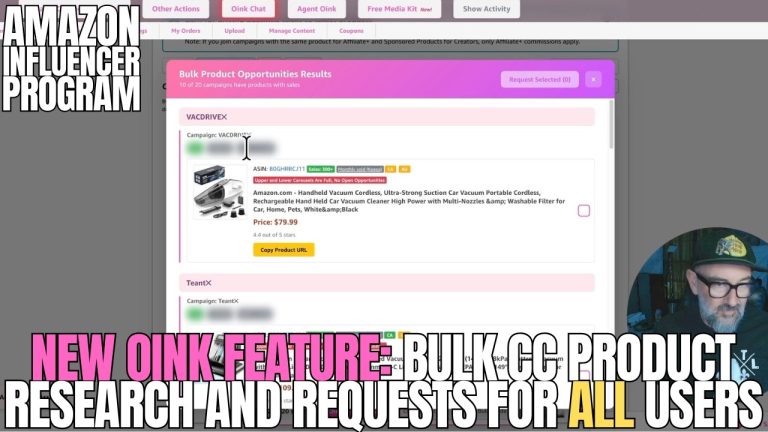
I want to talk about something that has been driving me, and most of my Oink Pro members, completely up the wall lately: the new “Select All Campaigns” buttons that have appeared inside the Creator Connections dashboard. On the surface they look like a productivity feature. In practice, they are a trap. Let me explain what is going on and how I am working around it inside Oink.
What These Buttons Look Like
If you have been into the Creator Connections section recently, you have seen them. There is now a “Select All” or bulk-select control on the campaign list that lets you check every visible campaign in one click. The implication, of course, is that you can then bulk-apply, bulk-favorite, or bulk-act on those campaigns. Sounds great. Should be a time saver.
Why It Is Actually a Problem
Here is the part Amazon did not put in big letters. Selecting all campaigns and bulk-applying does not mean you applied to the right campaigns. It means you applied to all of them, including the ones that pay terribly, the ones with brand requirements you do not meet, and the ones that will hurt your acceptance ratios over time. Your acceptance and performance ratios on Creator Connections are tracked. Spamming applications looks bad to brands and looks worse to Amazon.
This is exactly the kind of “feature” that benefits Amazon’s internal metrics (more applications, more activity, more data) while quietly hurting the influencer who clicked it. Anyone who has been around the Influencer Program for more than a year has seen this pattern before.
How I Recommend Approaching Creator Connections Instead
Inside Oink, the Creator Connections workflow is built around the opposite philosophy. You do not want to apply to everything. You want to apply to the campaigns where you have a real shot, the rates beat your default category commission, and the products fit your existing storefront niche. That is the whole reason Oink shows you commission delta and category fit before you apply.
- Open Creator Connections inside Oink, not directly in Amazon’s dashboard.
- Sort by commission delta vs. your default category rate. Anything below par, skip.
- Cross-reference against your storefront with Storefront Cross Check so you only pursue campaigns for products you have content for.
- Apply individually, with a real note, not a bulk select.
This is slower per application, yes. It is also dramatically more effective per application. My acceptance rate on Creator Connections is well above the average I hear in my Facebook groups, and the only reason for that is I never bulk-apply.
What I Think Amazon Is Doing Here
I am going to be careful with this part because I do not want to put words in Amazon’s mouth. But the pattern is consistent with how a lot of the recent dashboard changes have rolled out. They want application volume up, because volume gives them better data on which influencers brands actually want. The “Select All” buttons increase volume. They do not necessarily increase quality matches, and they definitely do not increase your earnings.
The Bigger Picture: Be Skeptical of New “Productivity” Features
The Influencer Program is now mature enough that any new dashboard feature should be evaluated against one question: does this make me more money per hour, or does it just make Amazon more data per hour? The answer is not always the same.
The 5 Pillars system inside Oink exists precisely because relying on Amazon’s native dashboard for strategic decisions is a losing bet. The dashboard is built to serve Amazon’s needs first. Your job, and the job of every tool in your stack, is to translate that dashboard into actions that pay you.
What to Do Right Now
- Stop using Select All Campaigns. Hard rule. Never.
- Audit any campaigns you bulk-applied to in the last week and withdraw the ones that are not a real fit.
- Move your Creator Connections workflow into Oink and use commission delta and category fit as your two filters.
- Track your acceptance rate over the next 30 days. It will go up.
The Bottom Line
Amazon is going to keep shipping dashboard changes. Some of them will be wins for us. Some, like Select All Campaigns, will quietly work against us. The defense is the same one I have preached since the day I started Oink: use your own filtering layer, run a clean storefront, and never let the platform’s UI dictate your strategy. Head to oinkforinfluencers.com if you want to plug into the system I use every day. The platform changes, the strategy stays the same.